KeyLite Wireless Keyboard
A keyboard for a desk that has to serve a laptop, a tablet, and a phone without three separate decks.
8.5 / 10
Tested for six weeks
BLUETOOTH · 3 DEVICES · QUIET KEYS
The keyboard that makes a tablet feel like a workstation. It pairs with three devices, switches with a keypress, and types quietly enough for a shared room.
Buy it if You type across a tablet and a computer at one desk.
Skip it if You want deep mechanical travel or a backlit deck for night work.
01How it works
Scissor switches give each key a short, even press and a soft landing. The deck is stiff, so the middle of the board does not flex when you type quickly, and the whole thing stays quiet enough not to carry across a room.
Three Bluetooth slots remember a laptop, a tablet, and a phone; a function key cycles between them without repairing. The board sleeps when idle and wakes on the first press, which is why a single charge stretches for weeks.
02What we tested
- Seven weeks of daily writing.
- Key feel compared with a laptop deck.
- Three devices paired and switched.
- Battery checked at ten weeks.
03What we liked — and what we didn’t
+Quiet keys
+Three devices
+Stiff deck
+Long battery
−No backlight
−No number pad
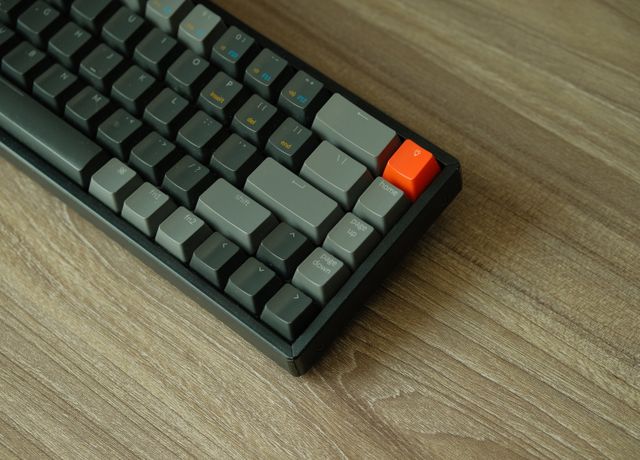
−Small arrow keys
−Plastic case
04Buying advice
Raise the tablet to meet your eyes and keep the keyboard at elbow height. A flat tablet and a low deck are what make a portable setup feel cramped after an hour.